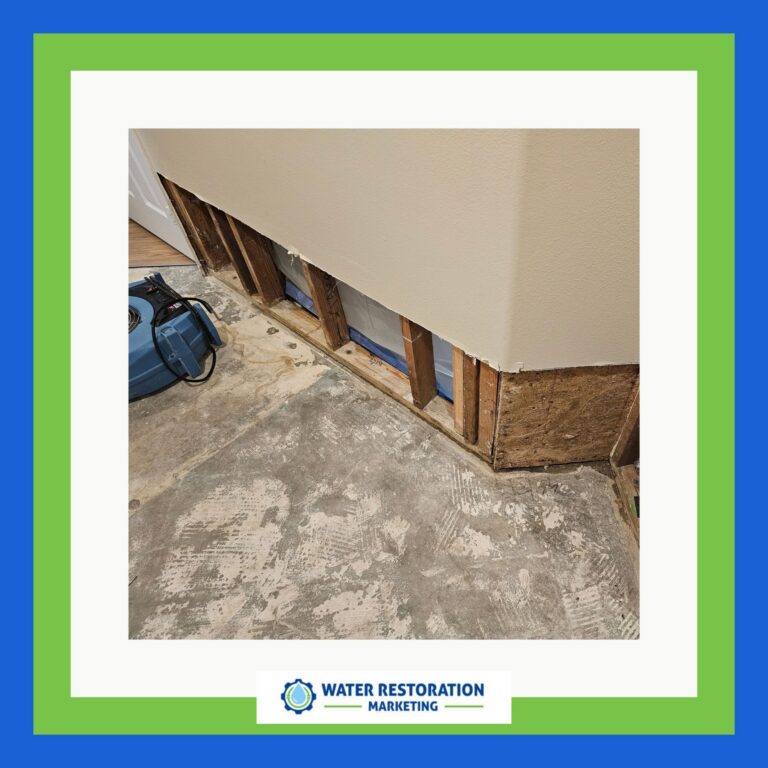
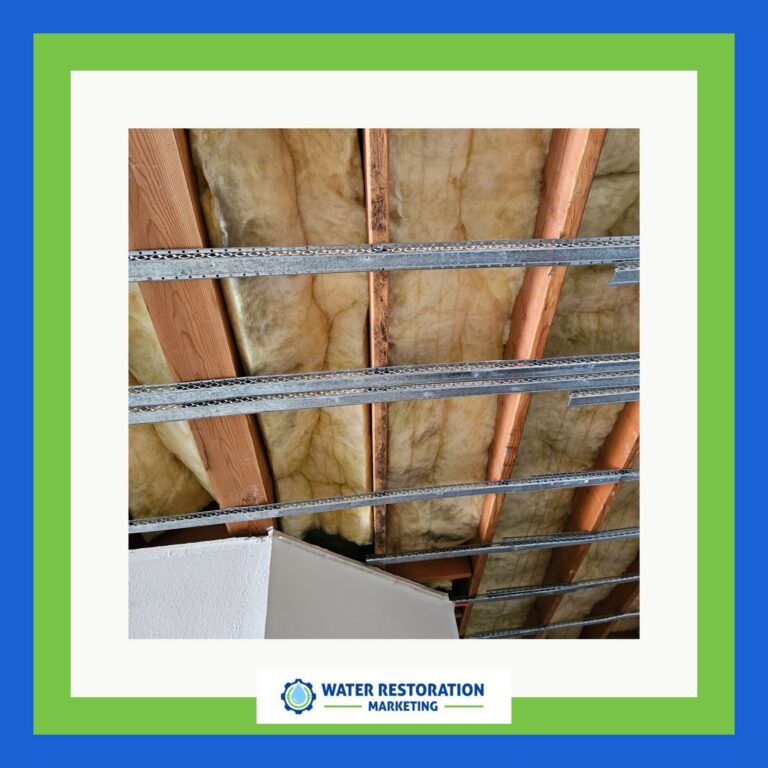
Your ad budget can drain like water through a cracked pipe when restoration campaigns target too broadly. You pay for irrelevant clicks, weak match types, and unfiltered searches that never turn into jobs. If you’re not tightening keywords, locations, and negatives, you’re likely funding traffic that won’t convert. The fix starts with the leaks most advertisers miss—and the biggest one may already be in your account.
Key Takeaways
- Broad targeting and loose match types waste spend on irrelevant restoration searches.
- Missing negative keywords allows clicks from DIY, jobs, research, and unrelated queries.
- Weak location settings and location drift can drain budget outside your service area.
- Ads and landing pages that don’t match the service problem reduce lead quality and conversions.
- Failing to track qualified calls and offline conversions hides campaigns that burn budget.
Common Restoration Google Ads Budget Leaks
Even small Google Ads leaks can drain your restoration budget fast, and most of them start with broad targeting, weak keyword control, or poor search term filtering.
You’ll see restoration Google Ads mistakes when you pay for emergency-intent clicks that never convert, accept irrelevant queries, or let low-value terms eat impression share.
Track spend by campaign, keyword, and search term, then cut anything with high cost and no qualified calls or forms.
Watch match types, negative keywords, and location drift daily. If your CPC rises while conversion rate stays flat, your account’s leaking.
Tight budgets reward precision: isolate services, measure lead quality, and eliminate waste before it compounds.
Every dollar should buy intent, not noise.
Fix Restoration Google Ads Targeting
You can tighten restoration ads by focusing on local intent signals, so your budget reaches homeowners who need service now.
Refine your geographic settings, search terms, and location-based keywords to cut wasted impressions and improve lead quality.
Then add negative keywords from poor-fit queries to block spend that won’t convert.
Local Intent Targeting
Local intent targeting helps restoration campaigns capture people who need service in a specific area, not just anyone searching a generic term.
You should align keywords, location settings, and ad copy to the exact cities, ZIP codes, and service radii you can actually serve. That tight match lifts relevance, improves click quality, and reduces wasted impressions from out-of-market users.
Use location insertion sparingly and verify each market with search term data, so you’re funding demand where your crews can respond fast. Set bid adjustments by zone if response times or margins differ.
When you advertise flood, fire, or mold restoration, geographic precision matters because urgency is local. If the user isn’t in your service area, your ads shouldn’t compete for the click.
Negative Keyword Refinement
Once your location settings are tight, negative keyword refinement keeps restoration ads from paying for the wrong searches. You need to block terms that signal research, DIY, jobs, or unrelated services, because those clicks drain budget and distort conversion data.
Mine search term reports daily at the start, then weekly once patterns stabilize. Add negatives at the campaign level for broad exclusions, and at the ad group level when intent differs.
Watch for “free,” “how to,” “salary,” “training,” and non-emergency phrases that attract weak leads. Separate mitigation, remediation, and reconstruction themes so you can exclude noise without suppressing profitable demand.
Measure the lift in click-through rate, conversion rate, and cost per qualified lead. Tight negatives sharpen intent, reduce waste, and make every restoration dollar work harder.
Stop Paying for the Wrong Keywords
You can cut wasted spend fast by filtering out irrelevant searches with negative keywords, so your budget goes to queries that actually convert.
Focus on high-intent terms tied to service, urgency, and location, since they usually produce stronger lead quality and better ROI.
Keep broad match under tight control, because it can expand into low-value clicks that weaken campaign performance.
Negative Keyword Filters
Negative keyword filters stop your Google Ads budget from leaking into irrelevant searches, which is critical when you want fewer wasted clicks and better lead quality.
You should build a negative list from search term reports, query gaps, and customer language, then update it weekly. This keeps your spend focused and your data cleaner.
- Block obvious mismatches like jobs, DIY, free, and tutorials
- Exclude service types, locations, or materials you don’t offer
- Add pattern-based negatives when similar junk keeps repeating
Track impression share, click-through rate, and cost per qualified lead after each edit.
When you tighten filters, you don’t just cut waste—you improve signal quality, so your optimization decisions get sharper and your campaigns scale with less friction.
High-Intent Query Targeting
Why pay for curiosity when you need conversions? You should target queries that signal immediate purchase intent: “restoration company near me,” “water damage repair cost,” “emergency mold removal,” and “24/7 fire damage cleanup.”
These terms usually convert because the searcher has urgency, location need, and service specificity. Build ad groups around service + problem + geography, then align each headline and landing page to that exact intent.
Review search terms weekly and remove phrases that indicate research, DIY, or jobs. Track conversion rate, cost per lead, and qualified call rate by query theme, not just keyword.
When you focus on high-intent terms, you cut waste fast, improve Quality Score, and push budget toward searches that actually become booked jobs, revenue, and profit for your restoration business.
Broad Match Risks
Broad match can quietly drain budget because Google may expand your ads into loosely related searches that don’t signal a real restoration need, such as “how to fix drywall” or “water stain removal products.”
If you use it at all, keep it tightly controlled, watch the search terms report every week, and exclude anything that suggests DIY, research, jobs, or unrelated home services. Your goal is qualified urgency, not traffic volume.
- Audit queries for loss, emergency, and insurance intent
- Add negatives for “how to,” “salary,” “training,” and “near me free”
- Compare cost per lead by match type monthly
When broad match is left open, you pay to educate prospects instead of capturing them.
Tight query control keeps spend aligned with real restoration demand and protects conversion rate.
Write Ads That Qualify Better Leads
If you want stronger lead quality, your ads need to pre-qualify prospects before they click. Use specific service terms, response-time promises, and geographic limits so unqualified users self-select out.
If you handle emergency water damage only, say so. If you require minimum project sizes, state them. This reduces wasted clicks and raises qualified conversion rates.
Match headlines to the exact problem, not generic restoration language. Use numbers where possible: 24/7 response, 60-minute dispatch, insurance-approved crews, or same-day inspections.
Add intent filters in descriptions, such as “for homeowners,” “commercial jobs,” or “severe damage only.” Test one qualifier at a time, then compare lead-to-sale ratio, not just CTR.
Better ads don’t just attract more leads; they attract the right ones.
Build Landing Pages That Convert
Once a qualified searcher lands on your page, every element should push them toward a single action: call, submit, or book. Match the ad promise exactly, or you’ll lose momentum fast.
Keep the headline specific to the restoration service, location, and outcome. Use proof near the fold: reviews, certifications, before-and-after photos, and response times. Remove navigation that leaks intent.
- One CTA repeated consistently
- Short form, only essential fields
- Mobile-first layout with fast load time
Structure the page so trust appears before friction. If users need to scroll for value, you’re paying for wasted clicks.
Build for clarity, not creativity. When your page answers the searcher’s need in seconds, you lift conversion rate and make every click work harder.

Track Conversions and Cut Low-Value Spend
Track every meaningful conversion in your Google Ads account—calls, form fills, bookings, and qualified leads—so you can see which campaigns actually drive revenue and which ones just burn budget.
Set primary conversion actions, assign values where possible, and verify that attribution matches your sales cycle.
Then segment performance by campaign, keyword, device, location, and time of day to expose weak pockets fast.
If a term drives clicks but no qualified conversions, lower bids, tighten match types, or negate it.
If a campaign produces leads that never close, import offline conversions and optimize to higher-value actions.
Watch cost per qualified lead, not vanity metrics.
When you cut low-value spend decisively, you free budget for queries that consistently convert and scale profitably.
Frequently Asked Questions
How Much Should Restoration Companies Spend on Google Ads Monthly?
You should spend $2,000–$10,000 monthly on Google Ads, depending on service area, revenue goals, and lead volume. Start with 10%–20% of target revenue, then scale spend where you’re generating profitable, qualified calls.
Which Restoration Services Should Get Separate Campaigns?
Fire damage, water damage, mold remediation, storm repair, and biohazard cleanup should get separate campaigns. You’ll track intent, bids, and ROI cleaner, then tighten targeting by service, urgency, and margin.
When Should I Increase Bids for Emergency Restoration Keywords?
Increase bids when emergency terms show high conversion rates, strong search impression share lost to rank, and profitable CPA. You’ll also raise them during weather spikes, after hours, or when competitors’ ads flood the auction.
How Long Until Restoration Google Ads Start Generating Leads?
You’ll usually see restoration Google Ads leads within 1–7 days, though 90% of strong campaigns need 2–4 weeks of data. You should optimize keywords, locations, and negatives quickly to accelerate qualified lead flow.
Should I Use Call-Only Ads for Restoration Emergencies?
Yes—you should, if you can answer 24/7 and track calls. You’ll capture high-intent emergency searches fast, but keep tight location targeting, schedule-only during coverage, and exclude non-emergency keywords to protect budget efficiency.
Conclusion
If you’re still losing budget on restoration Google Ads, the leak usually isn’t one big mistake—it’s a chain of small ones. Tighten targeting, add negatives, watch match types, and cut low-value locations before they drain more spend. Then test your ads, improve landing pages, and track only the conversions that matter. The surprise isn’t how much you can save. It’s how much more qualified demand you can access once wasted clicks disappear.